

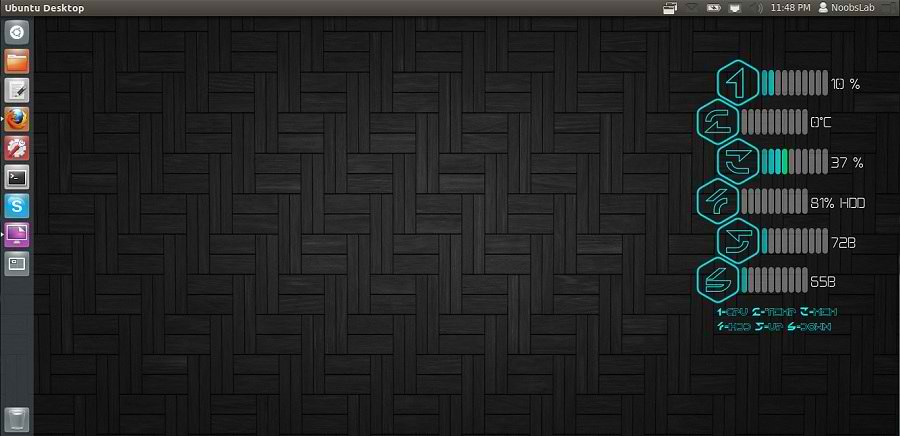
سنقوم في هذا الموضوع بتثبيت Legacy Conky، * للتوضيح : إذا كنت لا تعرف ما هو الكونكي فهو ذاك الموجود في يمين الصورة أعلاه.
- افتح الطرفية Terminal بواسطة Ctrl+Alt+T والصق اﻷمر التالي :
sudo apt-get install conky conky-all- اﻵن الصق اﻷمرين التاليين :
wget -O .start-conky http://dl.dropbox.com/u/53319850/NoobsLab.com/.start-conky
chmod +x .start-conky- واﻵن افتح برنامج Startup Applications (تطبيقات بدء التشغيل) ، انقر على Add (أضف) ، انقر Browse (استعرض) ، اضغط على زريّ Ctrl+H .. واختر ما تلاحظ بالصورة :

1- تنصيب Legacy Conky للواجهات (Unity, Gnome Classic, Mate, and Others)
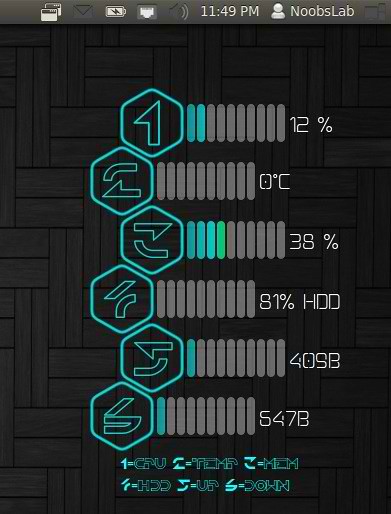
الصق اﻷوامر الثلاث اﻵتية في الطرفية :
wget -O conky-legacy-u.zip http://dl.dropbox.com/u/53319850/NoobsLab.com/conky/conky-legacy-u.zip
unzip conky-legacy-u.zip
sudo rm conky-legacy-u.zip
2- تنصيب Legacy Conky للواجهات (Gnome Shell, Cinnamon)

الصق اﻷوامر الثلاث اﻵتية في الطرفية :
wget -O conky-legacy-gs.zip http://dl.dropbox.com/u/53319850/NoobsLab.com/conky/conky-legacy-gs.zip
unzip conky-legacy-gs.zip
sudo rm conky-legacy-gs.zip


No comments:
Post a Comment